
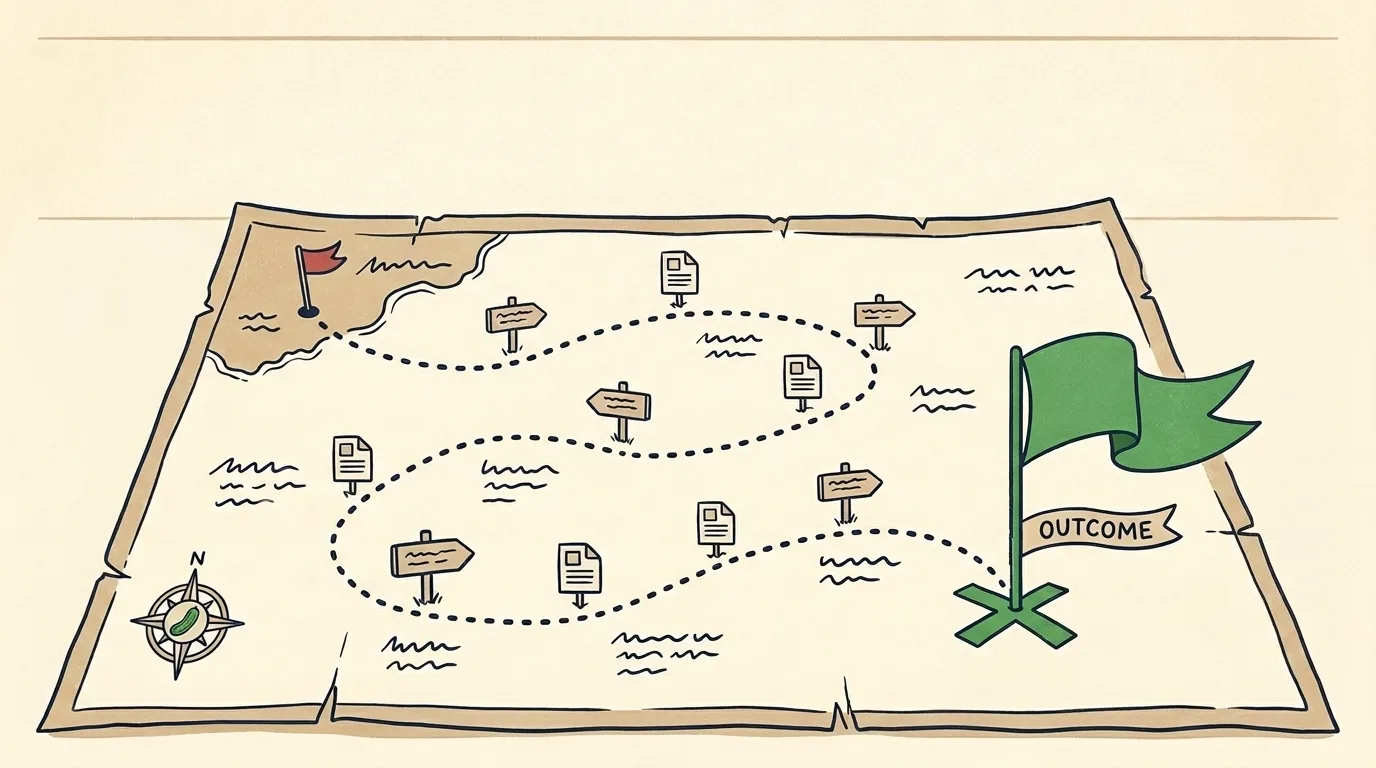

Most content maps fail before the first row, because teams start with the idea and not the outcome. They have a topic they want to cover, they reverse into a keyword and a headline, and they never stop to ask what they want that piece to do. The question that belongs first is what you want from the idea, and once you start there the idea either earns its place or it does not.
That reversal is the whole difference between a content map that fills a calendar and a content map that grows a business, and it is where teams go wrong more than any column or tool. A content map is the document that tells you what to write next and why, and most teams operate without one, which is why their blog piles up posts that never add up to a path a buyer walks. If you already understand the concept and want the working artifact, this is the template and a filled-in example you can copy, so skip the theory and take the grid.
If you are still fuzzy on the idea itself, our guide to what content mapping is covers the funnel stages and the why. This post is the how, and specifically the what-does-it-look-like.
The Content Map Template, One Row Per Piece
A content map is a table whose power is in the columns, and the software you keep it in barely matters. Each row is one piece of content, and the columns force you to answer the questions that decide whether the piece earns its place. These are the seven columns worth keeping, and everything else is decoration.
Buyer stage, the audience question in the buyer’s own words, the target keyword, the format, the funnel intent, the internal link target, and the call to action. A row that cannot fill every column is a row you are not ready to write, and that is the template doing its job before a word gets drafted.
The call to action sits last in the row and gets filled first, because that column is the outcome, and the outcome is where a content map starts. Decide what you want the piece to do before you decide what it is about, and every other column falls out of that answer, because the buyer stage, the format, and the link target are all just the path to the outcome you already named. A team that fills the map left to right ends up with a calendar of ideas, and a team that fills the outcome column first ends up with a plan.
What Each Column Forces You to Decide
The buyer stage column sorts every piece into awareness, consideration, or decision, and the value is that it exposes imbalance, because most blogs are ninety percent awareness content and then nobody understands why the traffic never converts. The audience question column makes you write the query the way a person types it rather than the way your marketing team phrases it, and that gap is usually where the ranking is lost.
The format column is where you decide a how-to guide versus a comparison versus a checklist, and formats are not interchangeable, because a decision-stage buyer wants a comparison and an awareness-stage reader wants an explainer. The internal link target column is the one teams skip, and skipping it is why blogs become orphan pages, so every row names the pillar or sibling post it will link to before the piece exists.
A Filled-In Content Map Example
One row worked all the way through, for an enterprise ecommerce platform like VTEX, fills the columns with content so you can see what each one holds. This is a decision-stage row, because the reader already knows what a platform is and has moved on to choosing between two of them.
Buyer stage is decision. The audience question is “VTEX vs commercetools for B2B,” typed by someone who has a shortlist and needs to break the tie. The target keyword is “vtex vs commercetools.” The format is a comparison piece, the head-to-head “versus” article that lays out where each platform wins, because a buyer this far down the funnel wants a direct comparison rather than an explainer. The funnel intent is to reach the evaluator while the decision is still open. The internal link target is the platform-selection pillar and the demo request page. The call to action is a “see it on your catalog” demo booking, placed where the reader has just finished weighing the trade-off.
That single row tells a writer everything, and the piece it produces meets a buyer at the exact moment of choosing. The comparison format is one Content Cucumber writes constantly, from platform head-to-heads to freelancer versus agency breakdowns, and each one earns its ranking by answering the comparison a buyer is already running in their head.
Building the Map From What You Already Have
You do not start a content map from a blank grid, and starting from blank is why most attempts stall, so start from three sources you already own. Your support inbox is a free keyword list written by people who intend to buy, your existing posts are rows you can back-fill to find the gaps, and your competitors’ ranking pages show which stages the market rewards.
Run your current posts into the template first, one row each, and the empty cells will show you the map’s holes faster than any brainstorm. A blog with forty awareness posts and no decision-stage comparison is a blog that ranks and never sells, and the map makes that visible in an afternoon rather than after a year of wondering.
Where the Map Meets the Rest of Your SEO
A content map is a planning artifact, and it earns its keep only when the pieces get written, published, and maintained, so it sits alongside the rest of the operation and never stands in for it. The map decides what to write, a content audit tells you what to fix in what already exists, and consistent publishing turns the plan into traffic.
The brands that win at content treat the map as a living document they keep updating as buyers change and stages fill, because a map built once and filed away is a map that describes a business you no longer run. Working from a blog built to grow the business beats working from instinct every quarter it stays current.
The Limit of Any Template
A template organizes the work, and it does not do the work, so the map is worth no more than the writing that fills it and the discipline that keeps it current. The seven columns will tell you what to write and why it matters, and then someone still has to write the piece well enough to rank and human enough to convert.
That is the gap Content Cucumber closes, where the strategy, the mapping, and the writing all get handled by people who do this every day, so the map does not sit half-filled in a drive folder while the blog goes quiet. If you would rather build and run the map yourself, the template above is the whole method, and the ultimate guide to blog writing services covers where a team pays off first.
Explore our writing services
Content Services →Keep Reading


Frequently Asked Questions
A content map is a table where each row is one piece of content, and the columns make you decide who it is for, what you want it to do, and where it links before you write a word. It turns a blog from a pile of posts into a planned path a buyer walks.
Start with the outcome. Decide what you want a piece to do before you decide what it is about, and the buyer stage, the format, and the link target all follow from that one answer. Teams that begin with the topic fill a calendar, and teams that begin with the outcome build a plan.
Seven earn their place: buyer stage, the audience question in the buyer's own words, the target keyword, the format, the funnel intent, the internal link target, and the call to action. A row that cannot fill every column is a row you are not ready to write.
A calendar records when you publish, and a content map records why each piece exists and what it connects to. A calendar full of ideas with no outcome behind them is how a blog stays busy and never sells.
Treat it as a living document you keep current as buyers change and stages fill. A map built once and filed away describes a business you no longer run, so the rows get revisited as the plan meets reality.
